Authorize Douyin Laike in three steps
Merchants often ask: “If I want AI to run my Douyin store, where do I start?”
Simple: authorize your Douyin Laike account to Quicktion, and it takes over Douyin operations from there.
01 Find the entry and click in
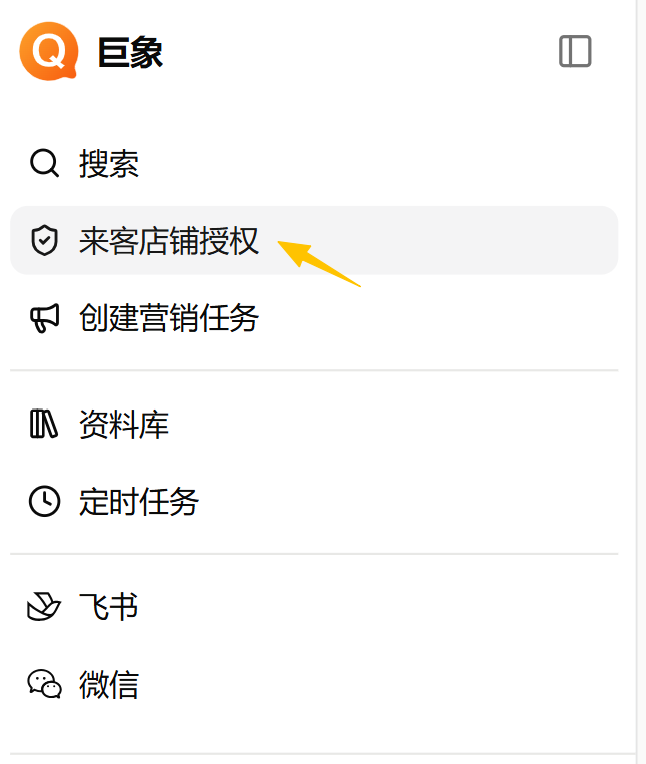
Section titled “01 Find the entry and click in”1 Log into the Quicktion web console. In the left menu, click Laike Store Authorization to open the authorization page.
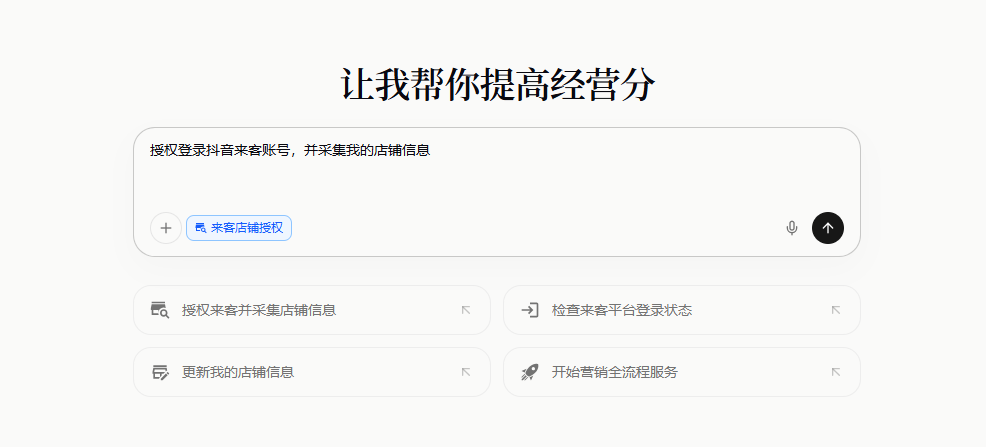
2 Send the authorization request from the chat window.
02 Log into your Laike account
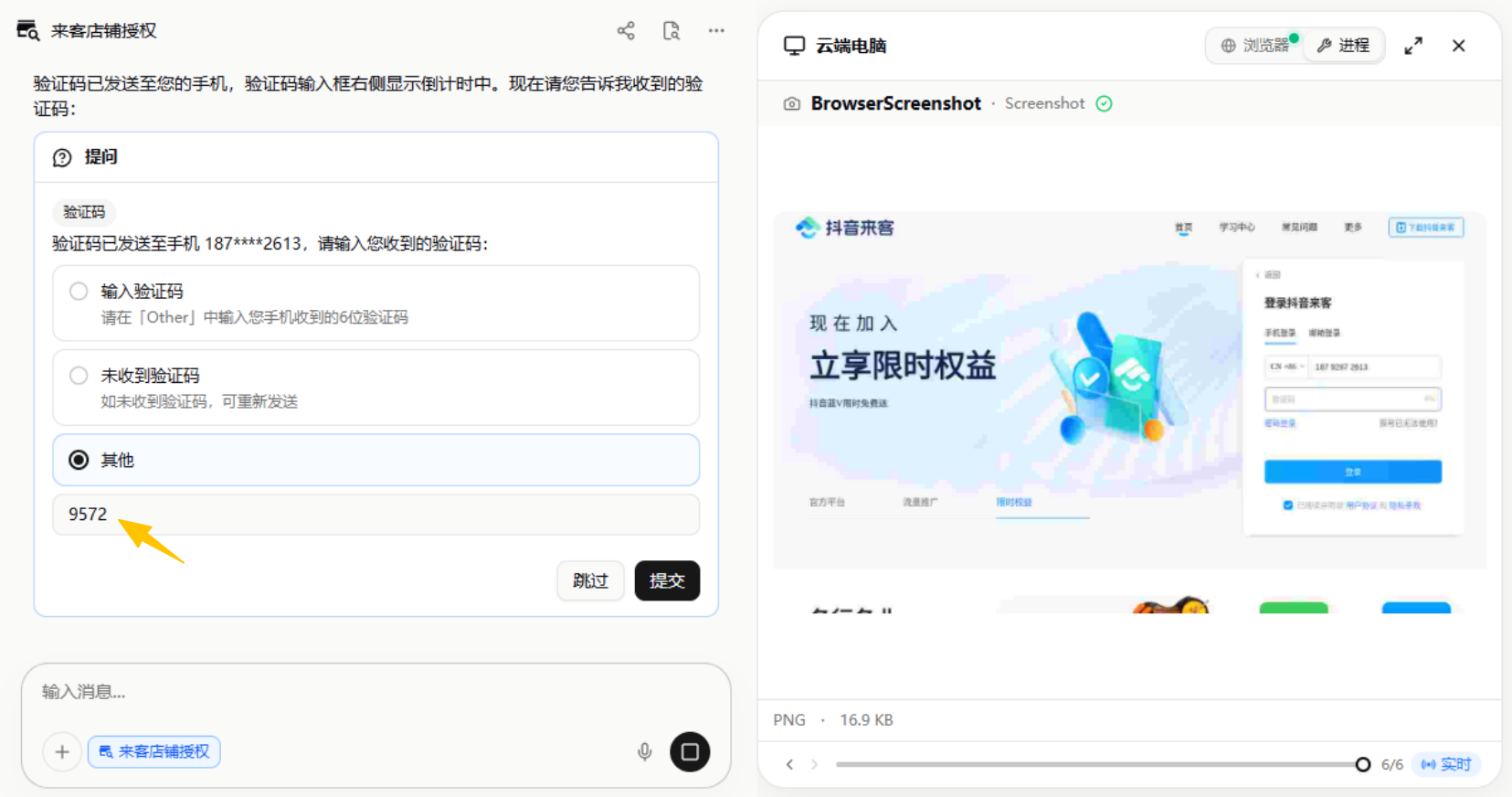
Section titled “02 Log into your Laike account”3 The browser on the right opens the Douyin Laike login page. Enter the phone number tied to your Laike account in the interaction card and submit. You can also operate the browser on the right directly — type the phone number and code in there.
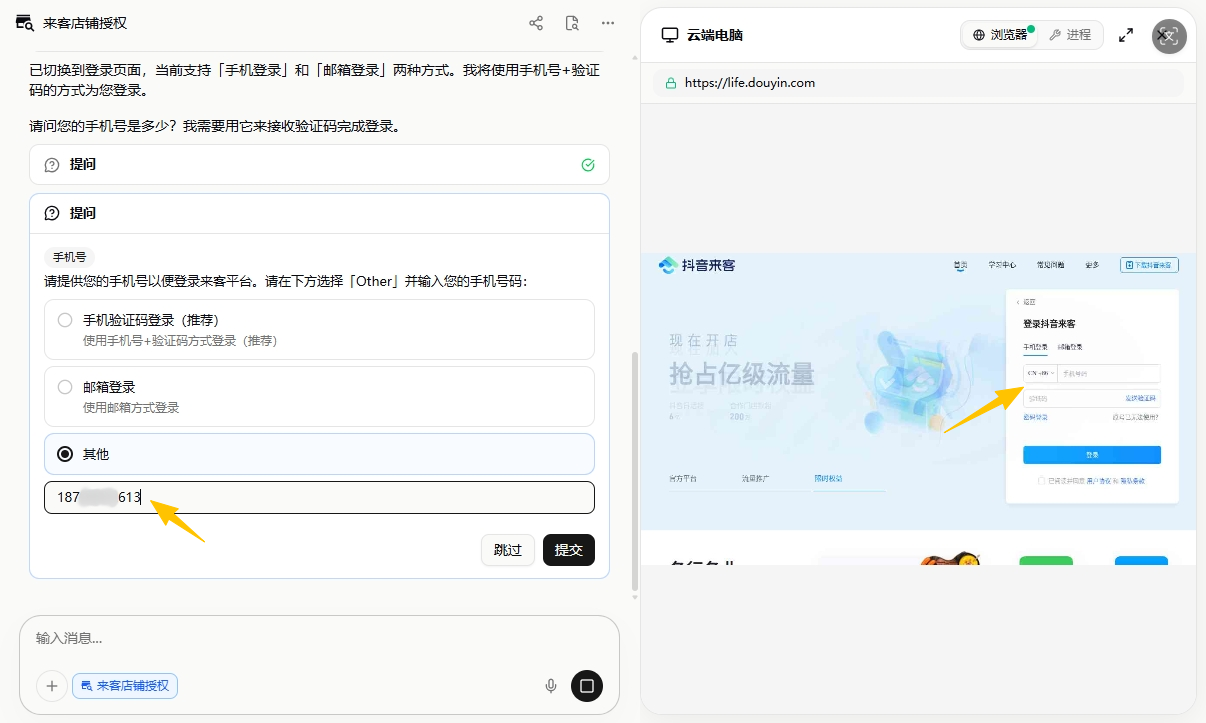
4 Receive the SMS code, enter it, submit.
03 Pick your default store
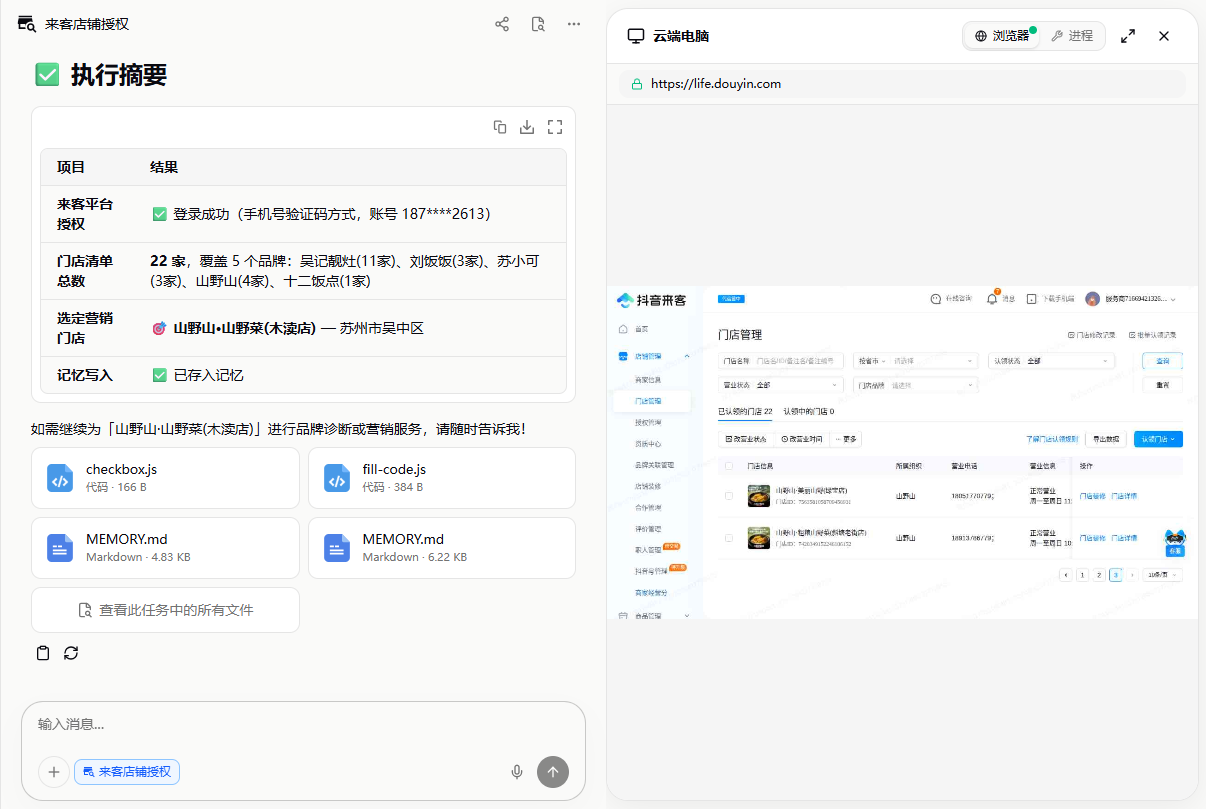
Section titled “03 Pick your default store”5 After login, the Agent reads every store under your account — pick a “default operating store.” Diagnostics, creator matching, product listings, and so on will target this store first. You can switch it anytime.
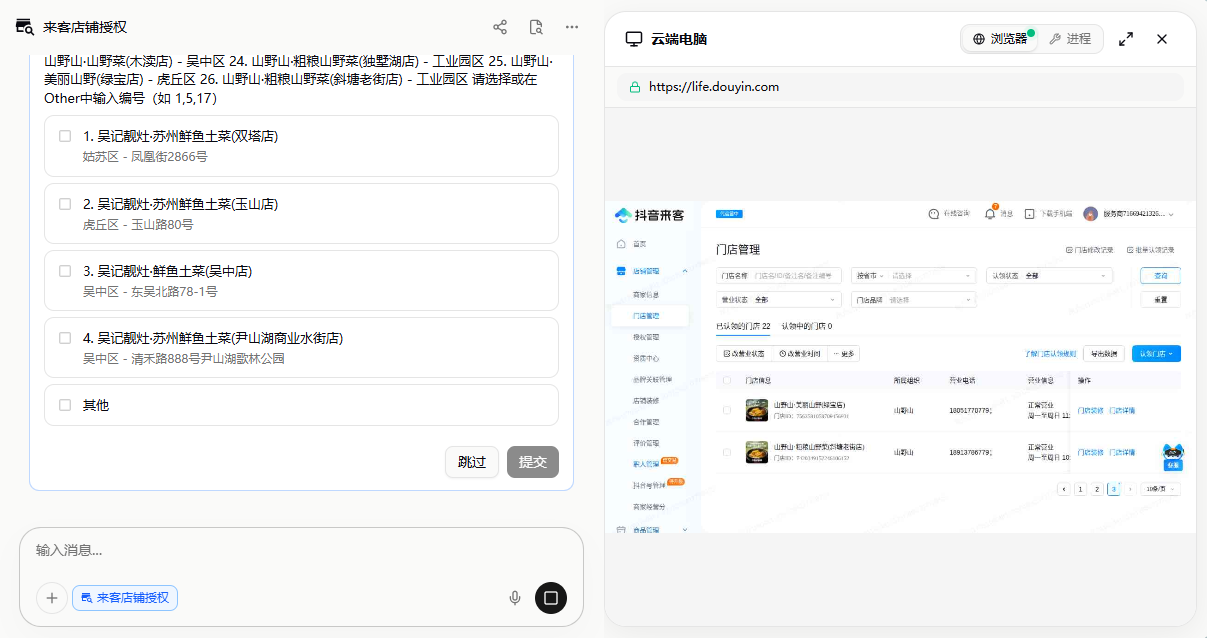
6 The store is now written into Quicktion’s memory — your AI operations lead is live. From here, just text “diagnose my store” in WeChat and it gets to work.